
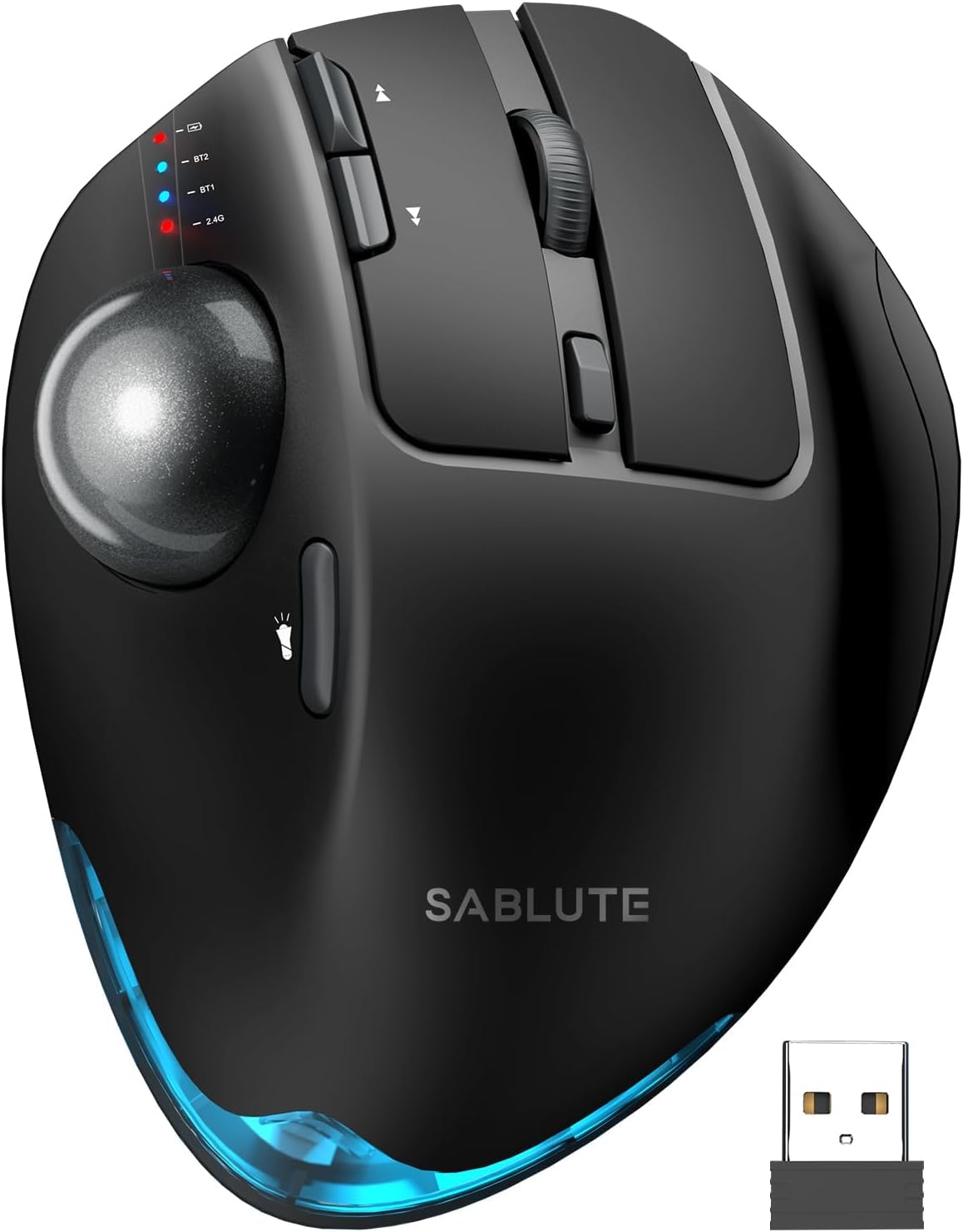
SABLUTE MAM1 Pro Ergonomic Wireless Trackball Mouse, Adjustable 0°/18° Angle, Thumb Control, Quiet Clicks, 3 Multi-Device Bluetooth & USB Receiver, Rechargeable Mouse for Office, Windows Mac

Price: $43.99 - $36.99
(as of May 18, 2026 02:18:25 UTC – Details)

Product description


1 Adjustable Angle
2 Recommended Size
3 Adaptation Time


1 Ergonomic Mouse
2 Multi Connection
3 Rechargeable Mouse
4 Multi-Function Mouse
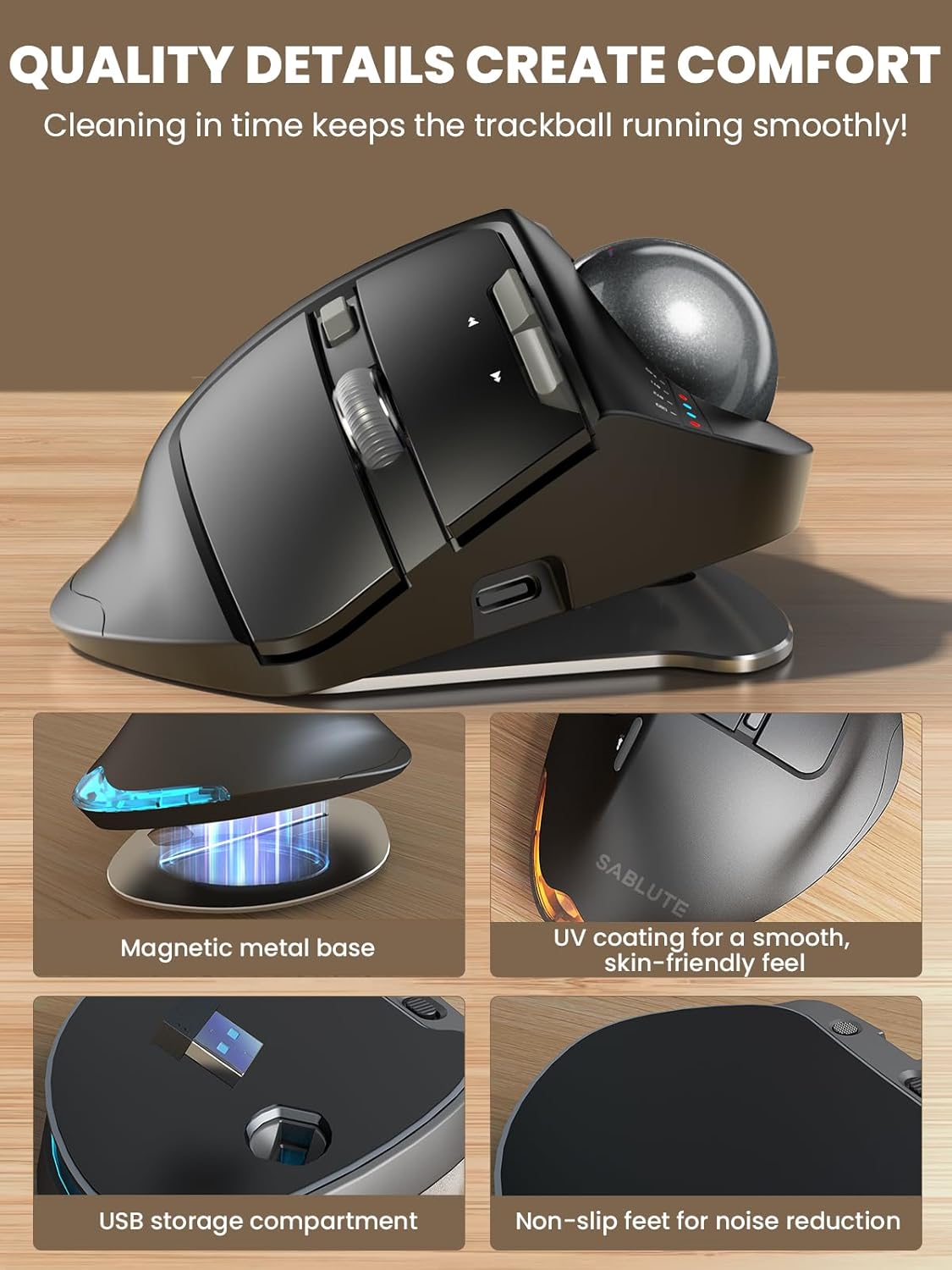
 Adjustable Magnetic Metal Base
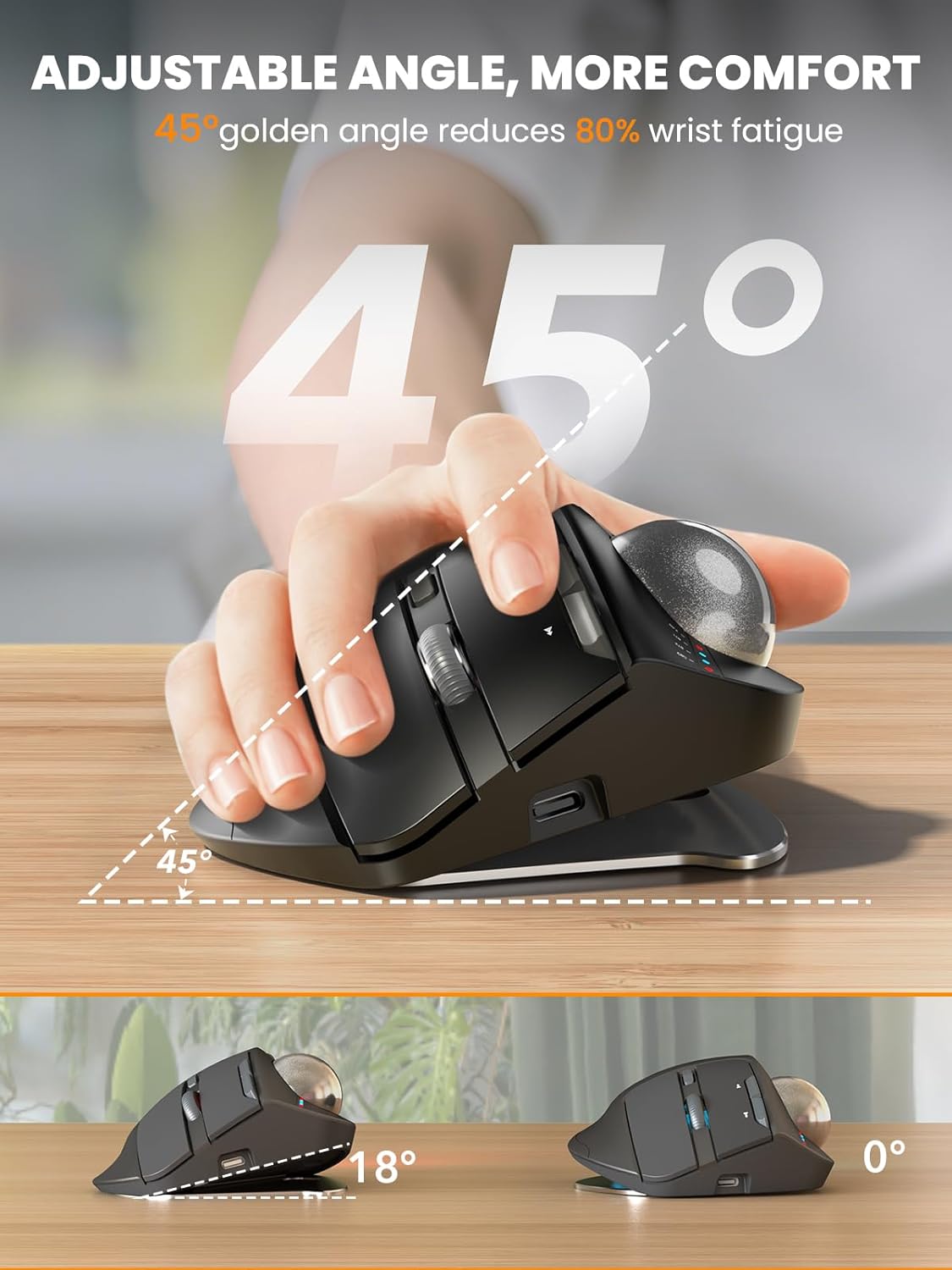
Built with a durable magnetic metal base that securely attaches while remaining easy to remove. The adjustable tilt angle lets you customize the mouse position for a more natural hand posture, helping reduce wrist strain and improve comfort during long work sessions.
 Skin-Friendly Surface
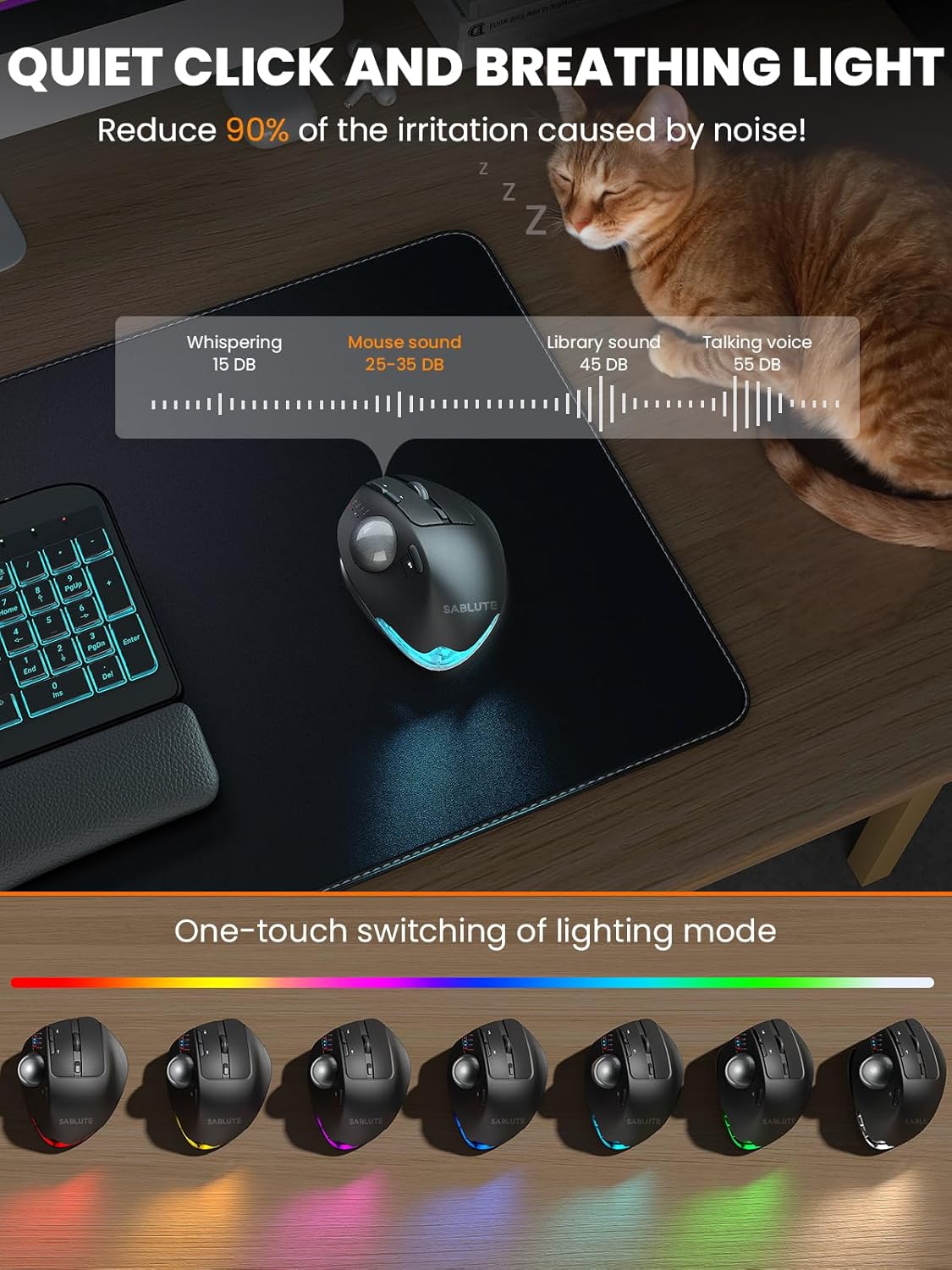
Finished with a premium UV coating for a smooth, skin-friendly feel that stays comfortable even after hours of use. Quiet buttons deliver soft, low-noise clicks, making it perfect for offices, shared spaces, and late-night work.


Are the buttons of this trackball mouse programmable?
1. Yes. You can download the driver from the instruction manual to customize your mouse’s button functions. (The driver is currently not compatible with Mac OS systems)
2. Forward and Backward buttons are not compatible with MAC OS.
When do I need to charge and how do I know when it is fully charged?
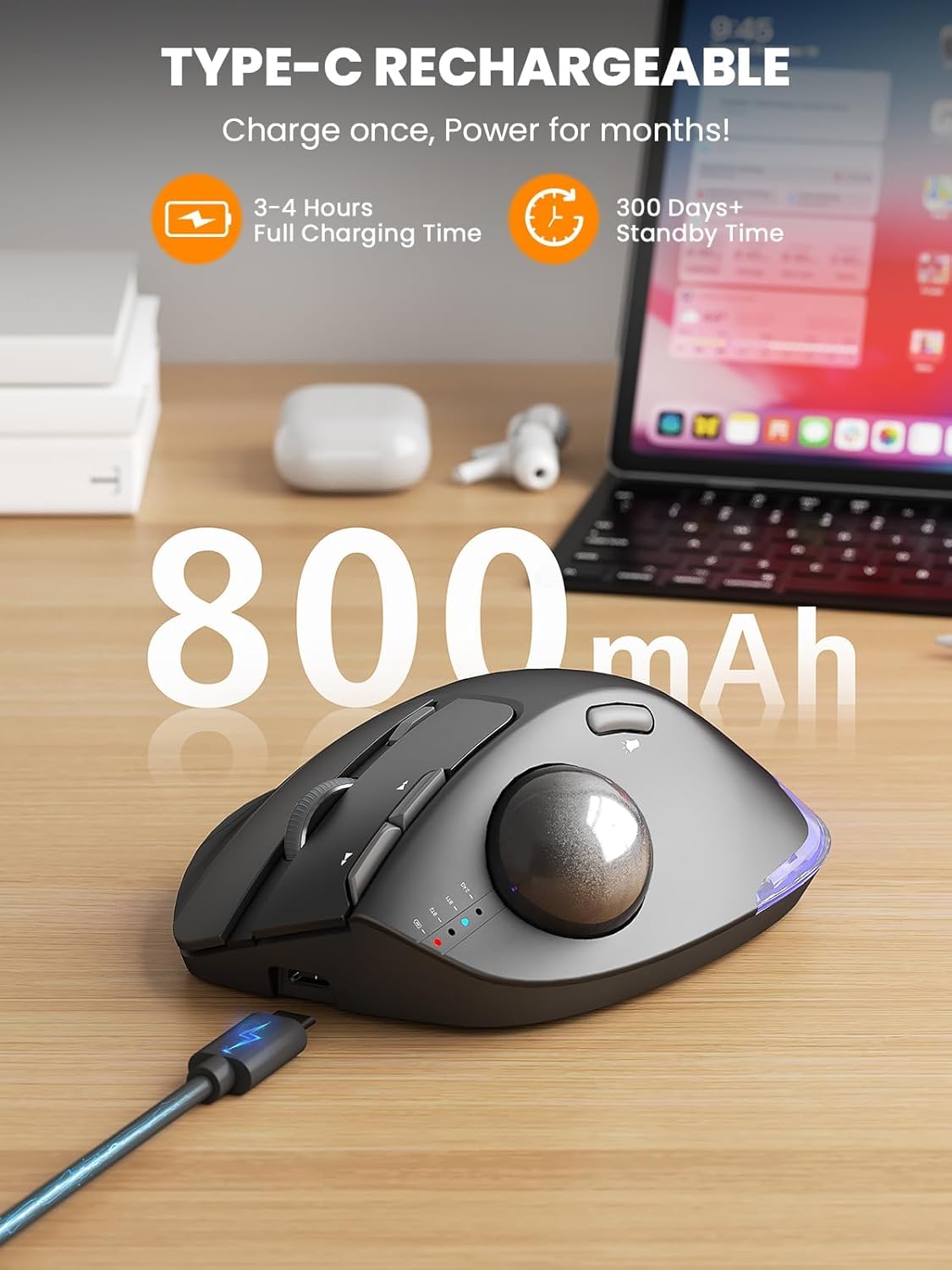
1. Low Battery Prompt: When you use mouse, the 2.4GHz indicator or the Bluetooth indicator will flash quickly once every other second.
2. Charging Prompt: The battery indicator is always on during charging, and off when the battery is fully charged.
How to adjust the DPI of the trackball mouse?
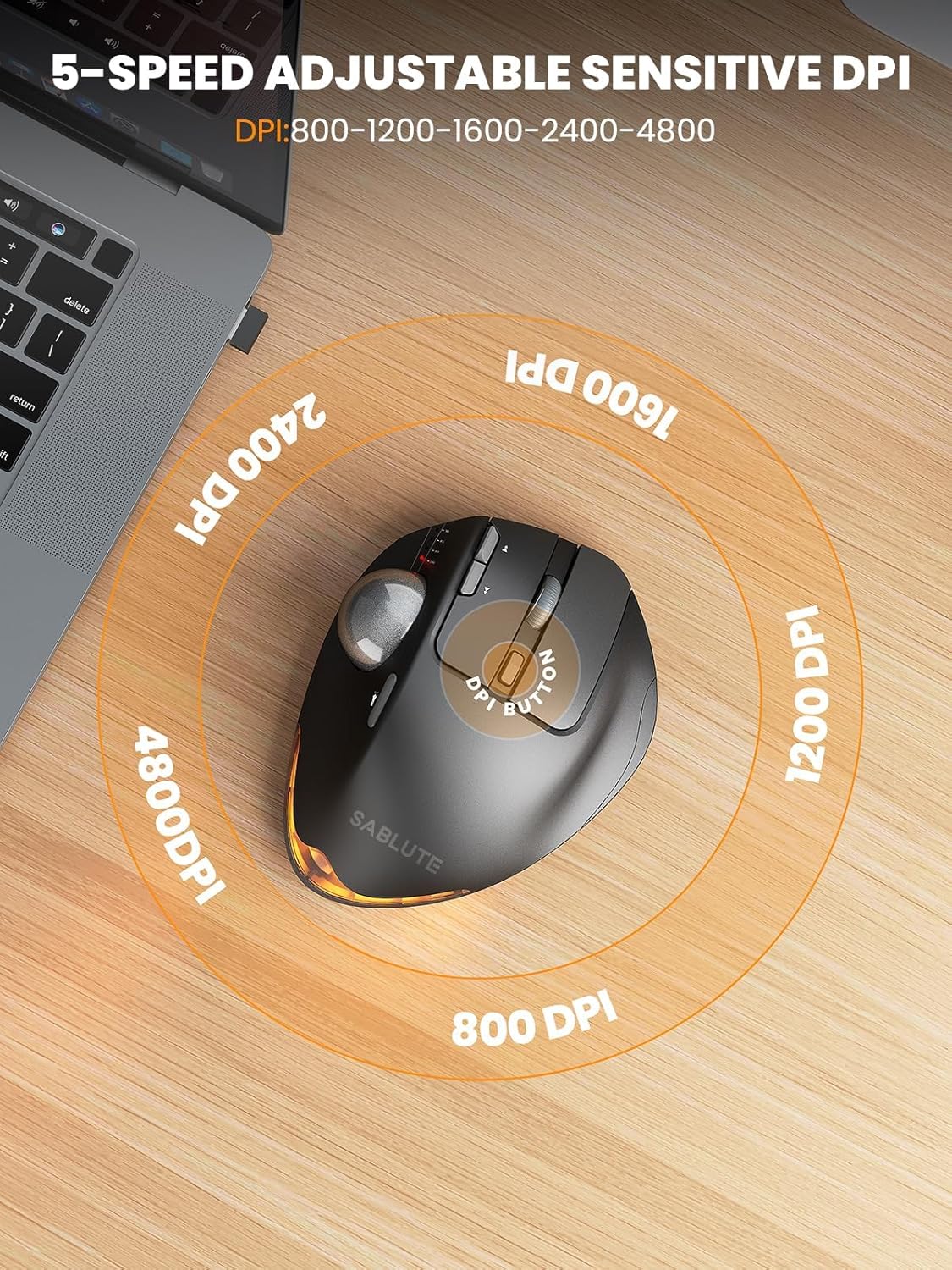
The trackball mouse has 5 DPI levels. When button is pressed, the 2.4GHz indicatororthe Bluetooth indicator will flash to indicate DPI levels, once for DPI level 1, twice for DPI level 2 and so forth.
Where is the 2.4G USB Receiver for wireless connection?
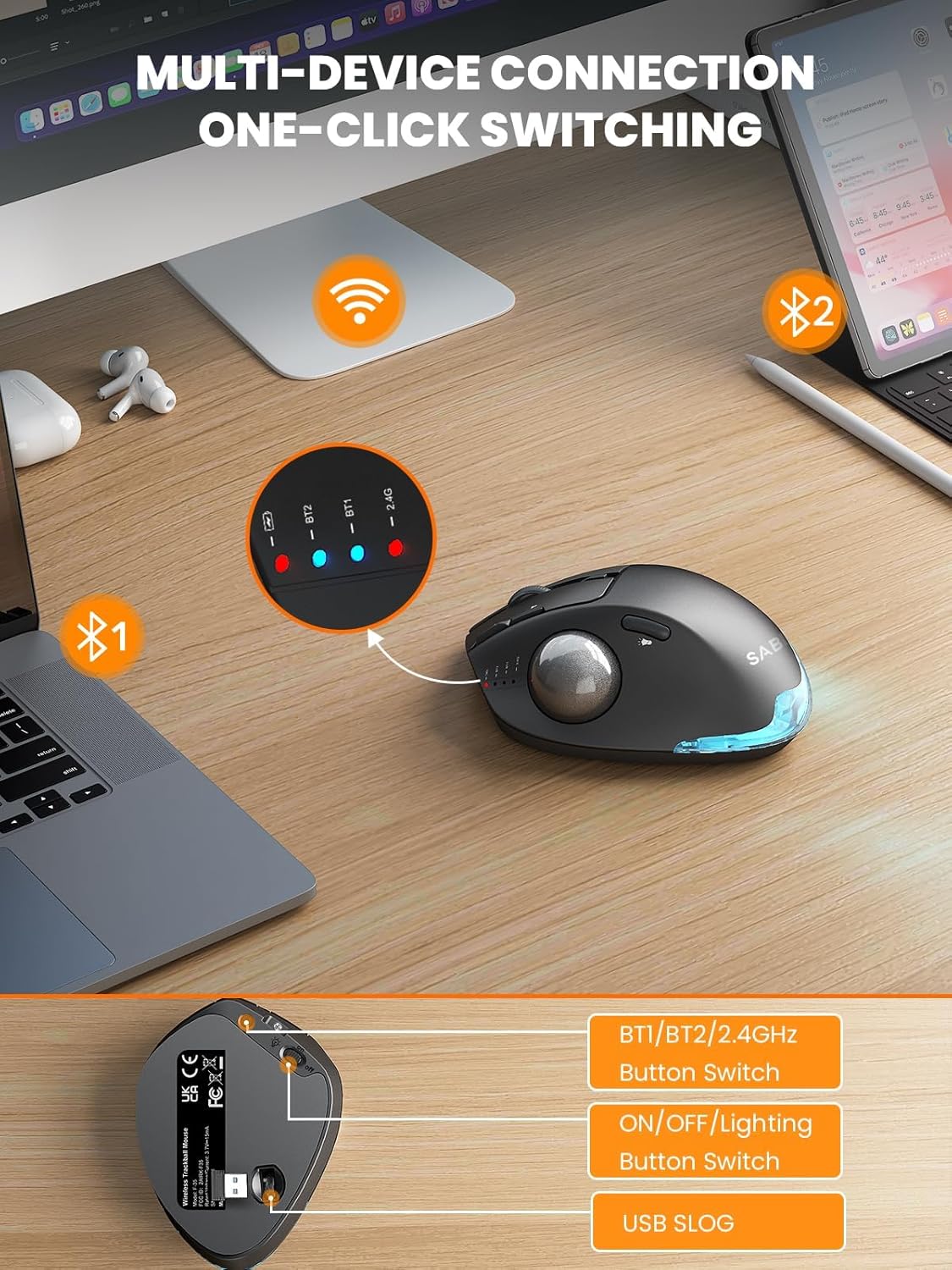
The 2.4G USB Receiver is stored at the bottom of the wireless trackball mouse.
How to wake up the trackball mouse?
If you need to use the mouse, you can wake it up by clicking the key.(scrolling the trackball or moving the mouse will not wake up the mouse)
Ergonomic Adjustable Angle: 0° or 18° adjustable ergonomic tilt lets you choose a natural handshake position. The 18° angle follows the wrist’s natural resting posture, helping reduce wrist and forearm strain during long hours of work, study, or computer use
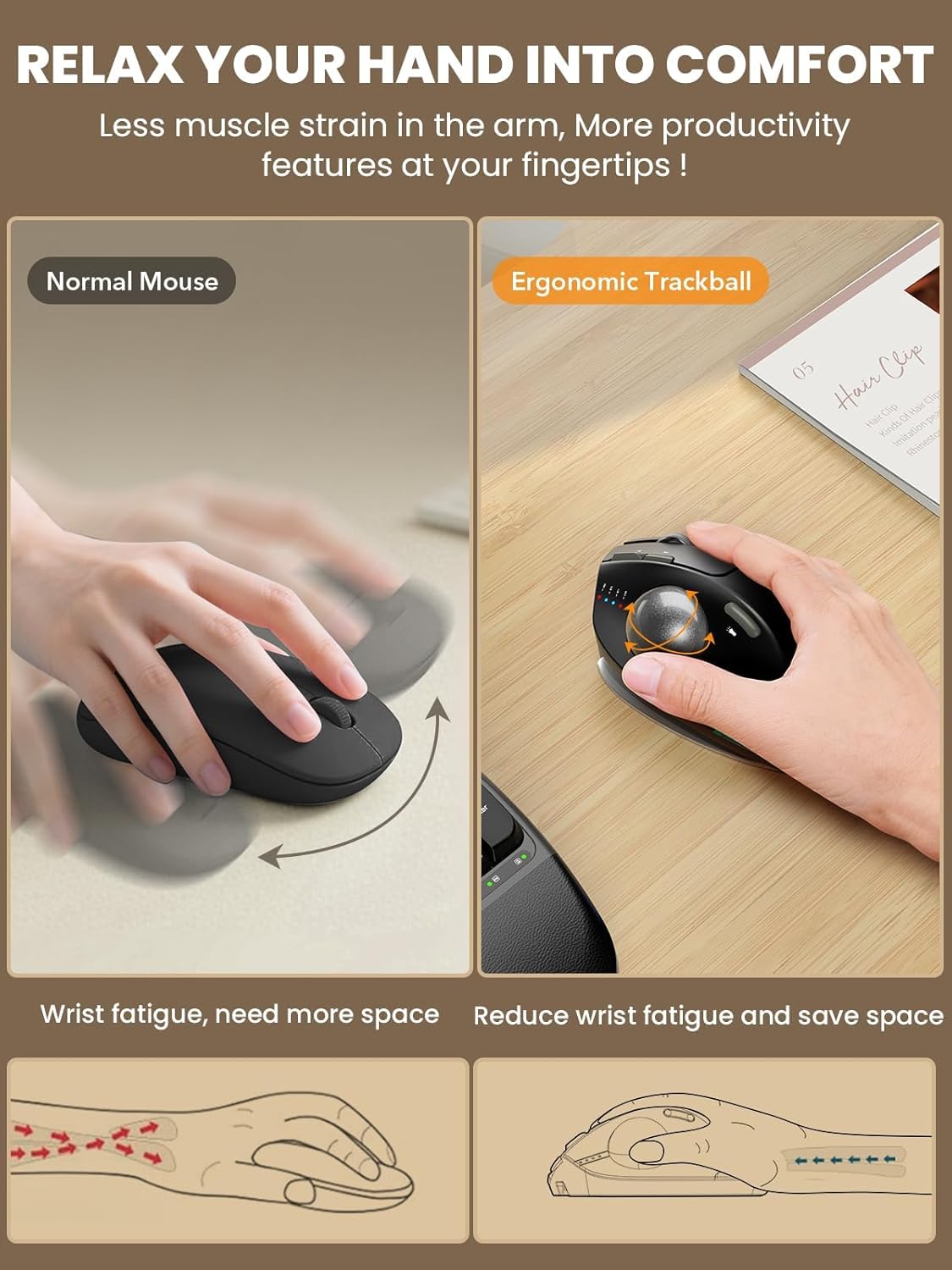
Thumb Trackball Control: Smooth thumb-operated trackball allows precise cursor control without moving your arm across the desk. Reduces repetitive wrist and shoulder movement, making it ideal for small desks, limited spaces, and long daily use
3-Device Wireless Switching: Connect up to three devices via dual Bluetooth modes and a 2.4G USB receiver. Switch instantly between your PC, laptop, or tablet with one button. Stable, lag-free wireless connection up to 33 ft (10 m)
Quiet Clicks & Adjustable DPI: Five adjustable DPI levels from 800 to 4800 let you match cursor speed to different tasks and screens. Ultra-quiet buttons with up to 95% reduced click noise keep you focused in offices or shared workspaces
Rechargeable with Backlight: Built-in rechargeable battery with USB-C charging eliminates disposable batteries. Soft ambient backlight can be turned on or off as needed. Compatible with Windows, macOS, Android, and ChromeOS. USB receiver stores neatly in the base
Warm Tips: If you are using a trackball mouse for the first time, it may take some time to get used to its operation. We recommend that you spend 1-2 weeks to adapt, as many users find that this helps reduce the pressure and pain on the wrist caused by long-term use of the mouse and improves comfort
You can download the driver by following the steps in the instruction manual to customize the mouse settings and fine-tune them to better suit your personal mouse preferences. (Note: This driver is not compatible with Mac OS.)
User Reviews
Be the first to review “SABLUTE MAM1 Pro Ergonomic Wireless Trackball Mouse, Adjustable 0°/18° Angle, Thumb Control, Quiet Clicks, 3 Multi-Device Bluetooth & USB Receiver, Rechargeable Mouse for Office, Windows Mac”

Original price was: $43.99.$36.99Current price is: $36.99.


There are no reviews yet.